Anyone with the link can open this exact load plan
Click Share on any finished load plan and Cargo Load Planner generates a public link, copied to your clipboard automatically. Whoever opens it sees the same interactive Summary, 3D view and Products tabs you see — no account, no login.
This sits alongside the full four-step workflow — Cargo space, Deliveries, Products, Load plan — so the link always points at a specific, finished calculation.
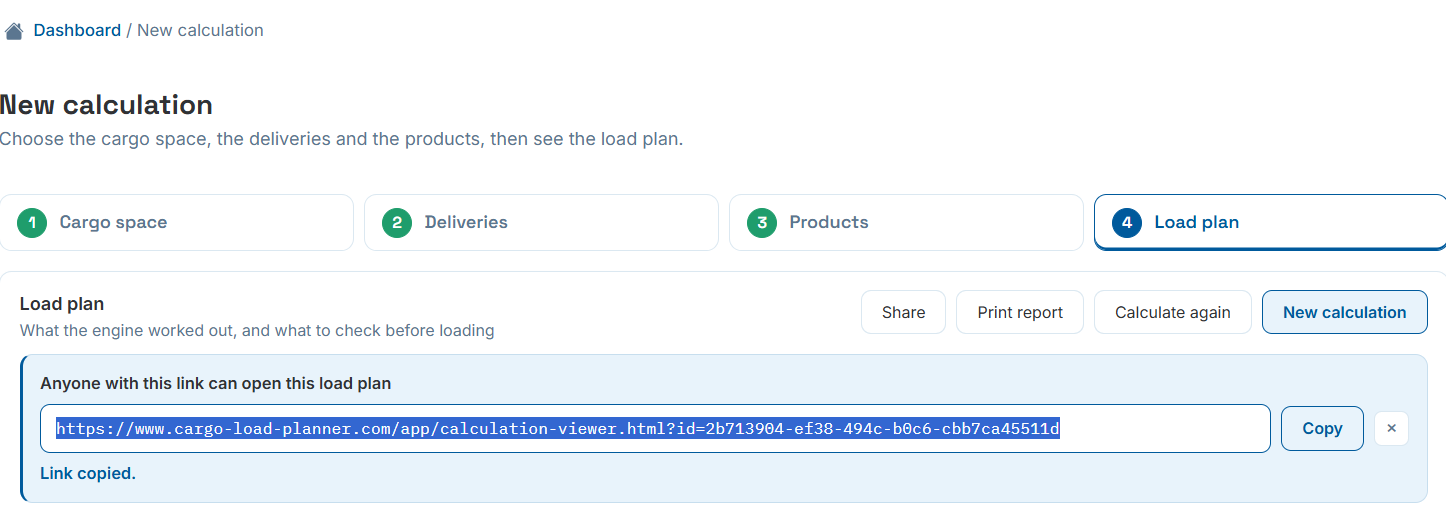
A copyable, no-login link to this exact load plan.
A clean report for paperwork, gate passes or filing
Print report sits right next to Share, for the moments a link isn't the right format — a physical copy for the driver, a file copy for compliance, or a printout to walk to the warehouse floor.
A per-product breakdown, with a loaded-volume chart
The Products tab pairs a donut chart of loaded volume share by product with a full table: size, ordered, packed, not packed, weight, volume and stop — searchable the moment the list gets long.
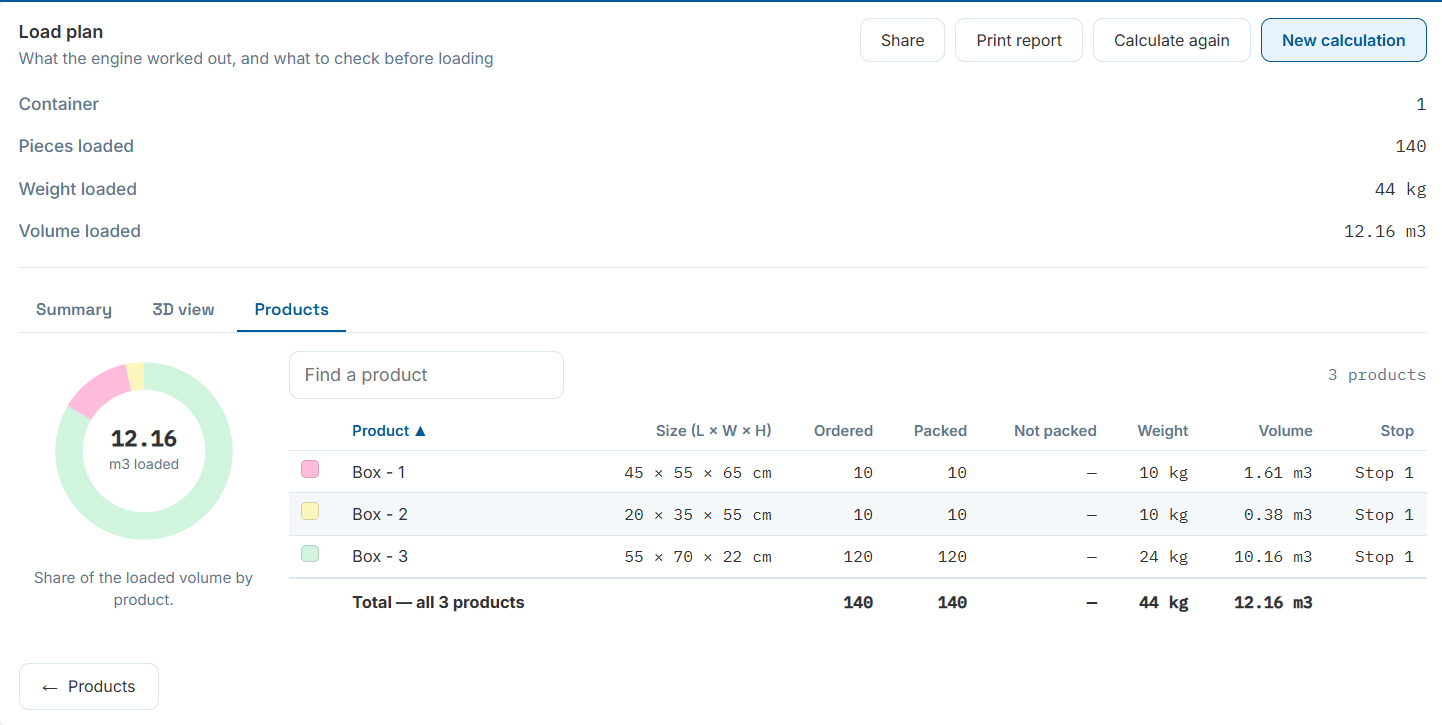
Products tab: share of loaded volume, and the full packed-vs-ordered breakdown.
Calculate again, or start fresh
Calculate again keeps every input — cargo space, deliveries, products — and simply re-runs the engine, useful right after tweaking a Calculation Default or a product's Advanced settings. New calculation starts completely fresh.